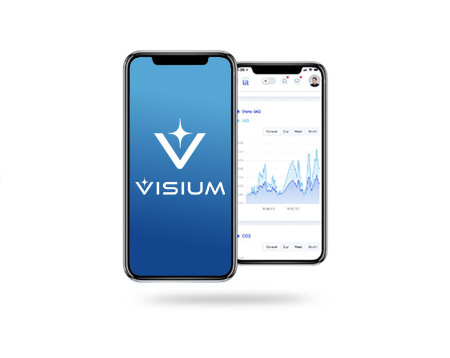
Get started with the Visium Connect App
Your guide to connecting Visium and Apex fixtures
Cleaner air and surfaces are just a few steps away. Download the Visium Connect app to begin commissioning your fixtures via Wi-Fi. Once setup is complete, you’ll have access to the Visium Connect dashboard for real-time device management, scheduling, and performance monitoring.
Step 1: Download the App
Step 2: Sign In or Request an Account
Open the app and enter your username and password to begin fixture setup and commissioning.
If you do not yet have an account, please contact customerservice@visium.one to request access. Be sure to provide the name of the primary contact, their email address, and the organization/business name where Visium is installed.
You will receive an account registration email from noreply@litthinking.net that will include:
– Your assigned username
– A temporary password
– A link to create a new password and complete registration
*Please note: Your account must be activated on a browser before you can log into the mobile app.
Step 3: Commissioning Visium
Once your account is activated, open the Visium Connect app and follow the prompts to commission your Visium fixtures. For additional support, contact your sales representative or customerservice@visium.one.
- For Terms, Conditions and Warranty Information, please click here.
- If you need further assistance, please contact us.